Help & Tutorials
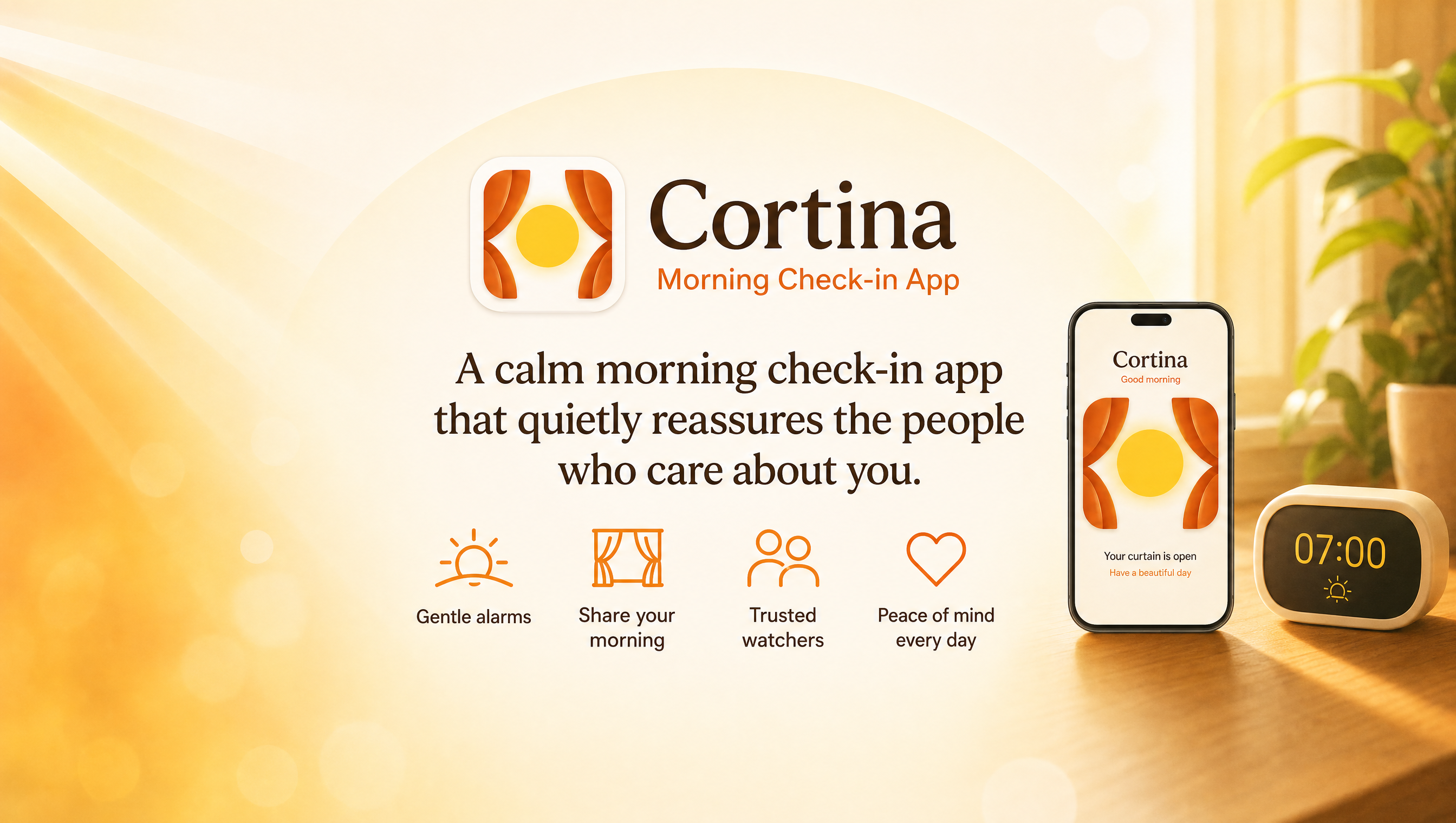
Cortina is a morning check-in app for loved ones, triggered by your normal alarm clock.
It shares peace of mind with family and friends the moment you wake up. Every tutorial video below is under a minute to get you started quickly.
Featured Video
Watch the core morning check-in flow in action.
Dismiss Alarm & Open Curtains
See how dismissing your morning alarm automatically opens your digital curtain to let loved ones know you are up.
This video shows:
- Setting up a morning alarm
- Dismissing the alarm to open your curtain
- Checking morning statuses (Mum & Dad)
- Refreshing to see Mum waking up
Alarmes
Learn how to create, edit and manage your morning alarms.
Create your first alarm
Get started by setting up your daily wake-up check-in alarm.
This video shows:
- Creating an alarm
- Choosing repeat days
- Enabling/disabling alarms
Edit or delete an alarm
Manage your schedule and understand how alarms behave in Cortina.
This video shows:
- Editing an existing alarm
- Deleting an alarm
- Understanding alarm behaviour
Watched Curtains
Learn how to keep track of the people you care about.
Add a curtain manually
Add a contact using their unique Código da cortina to watch their status.
This video shows:
- Entering a curtain code
- Naming the curtain
- Saving the connection
Add a curtain from a shared link
Connect instantly by opening a shared invite link sent by family.
This video shows:
- Opening a Cortina invite link
- Automatic code import
- Confirming the curtain connection
Edit & delete a watched curtain
Rename your contacts or remove them from your watched list.
This video shows:
- Renaming a watched curtain
- Deleting a watched curtain
- Managing your watched list
A minha cortina
Everything about your own curtain settings.
Share your curtain
Generate invite codes so your loved ones can see your morning signal.
This video shows:
- Generating your sharing code
- Sharing the invite link
- Inviting family or friends
Customise Cortina
Tailor the look and feel of the app to match your preferences.
This video shows:
- Changing app language
- Enabling dark mode
- Adjusting app appearance
Frequently Asked Questions
Quick answers to the most common questions about Cortina and our privacy-first design.
Cortina is designed to be privacy-first. There is no GPS or location tracking, no cameras, and no intrusive daily monitoring. The app simply shares your "Digital Curtain" status (Open or Closed) based on when you dismiss your morning alarm.
No! Cortina does not require you to register an email address, password, or phone number. Everything runs using unique local codes called "Código da cortinas" to connect with family members securely and privately.
Yes! You can add and monitor multiple digital curtains in your "Watched Curtains" tab. This is perfect for caregivers, parents, or families keeping track of multiple loved ones.
Yes, the core daily check-in features of Cortina are completely free. We also offer premium features for advanced customisation and supporting the independent development of the app.
Subscreva o Cortina no YouTube
Assista a pequenos tutoriais em vídeo, guias de configuração e dicas sobre como usar o Cortina para a tranquilidade diária da família.
Visite o nosso canalStill need help?
Our friendly support team is here to help you get the most out of Cortina. Feel free to reach out with any questions or feedback.